
RECALIBRATION
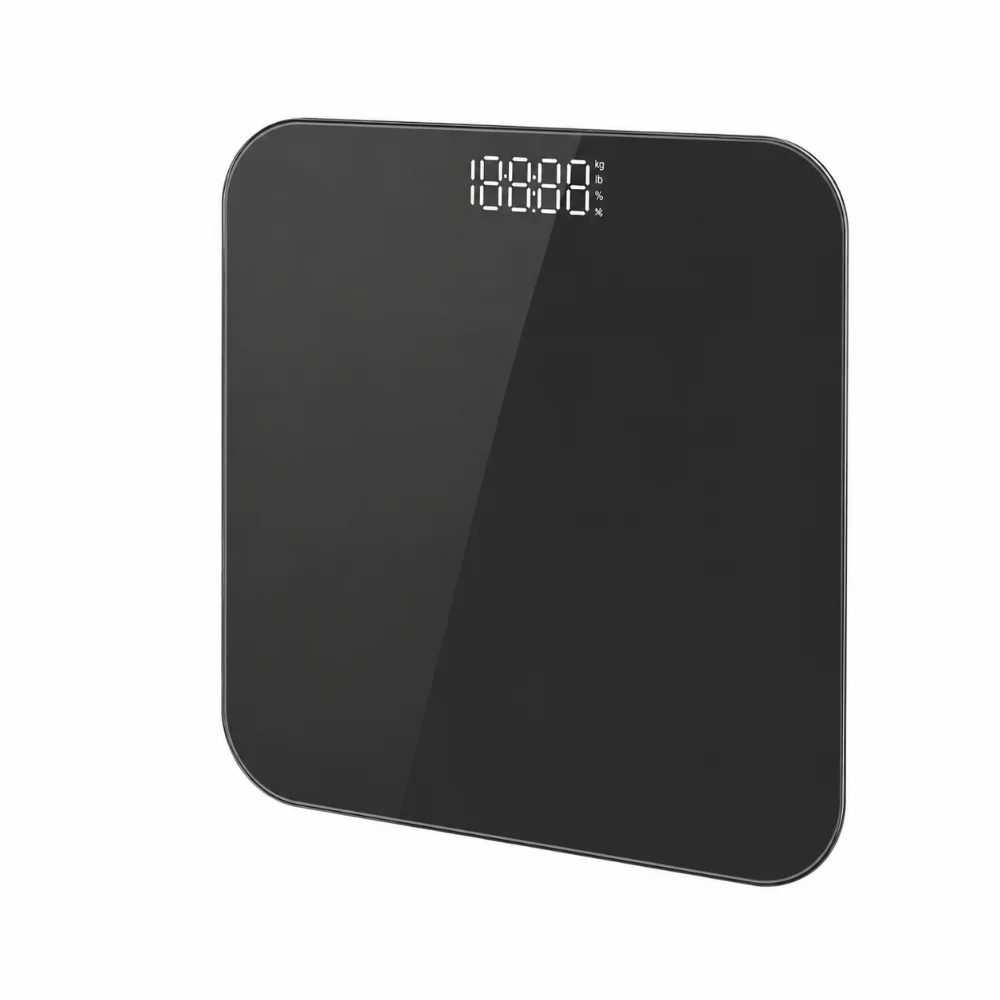
Step on the scale with one foot until the digits appear on the display, then step off. The scale will display 0.0, indicating that the calibration process is complete.
MAINTENANCE
Keep the balance in a dry place. Do not expose to water. Do not expose to high temperatures Do not use abrasive products For cleaning, use dry cloths
Your personal scale works like a scale Basic for weighing the body. No special programming required.
1. The unit of weight is in Kilos.
2. Place the scale on a hard, flat surface.
3. Initialize the scale
4. Hop on
5. Your weight will appear on the screen.
6. Get off the scale, it will reset to 0.0 automatically
7. Move your scale as infrequently as possible.
8. Auto power off after 15 seconds
USE Installing the battery and setting up for the first time.
1. Locate the battery cover on the back of the unit. Press the battery cover tabs inward and lift them up. to remove them.
2. This scale works with 2 AAA batteries. Insert the batteries or re Remove the insulating strip from the battery contacts before using them.
3. Insert the batteries as indicated by the polarity symbols.
4. The scale must be initialized and calibrated automatically before first use or at any time after changing it. Place the Tilt on a hard, flat surface. If the scale turns on While moving it, leave it for a while so that it goes out once on the ground.
5. Get on the scale and meditate.
6. Step off the scale and allow it to turn off.
7. Now you can get on and weigh yourself normally. If you move again to scale, you must repeat this calibration process. You will see your final weight When the display sets a weight and flashes twice. 8. Replace the batteries when the scale indicates “LO” on the screen
Reviews
There are no reviews yet.